
Refresh quick action
If you have just cleared some files and want to see updated space estimates for the remaining categories, click the Refresh button to re-scan without leaving the page.
Free up disk space by removing temporary files and cache.
As you use your computer, Windows creates temporary files for performance and caching. These files often stay on your drive long after they are needed.
Over time, this clutter can take up gigabytes of space. Disk Cleanup finds these files (browser caches, Windows update logs, temp files) and lets you reclaim that space.
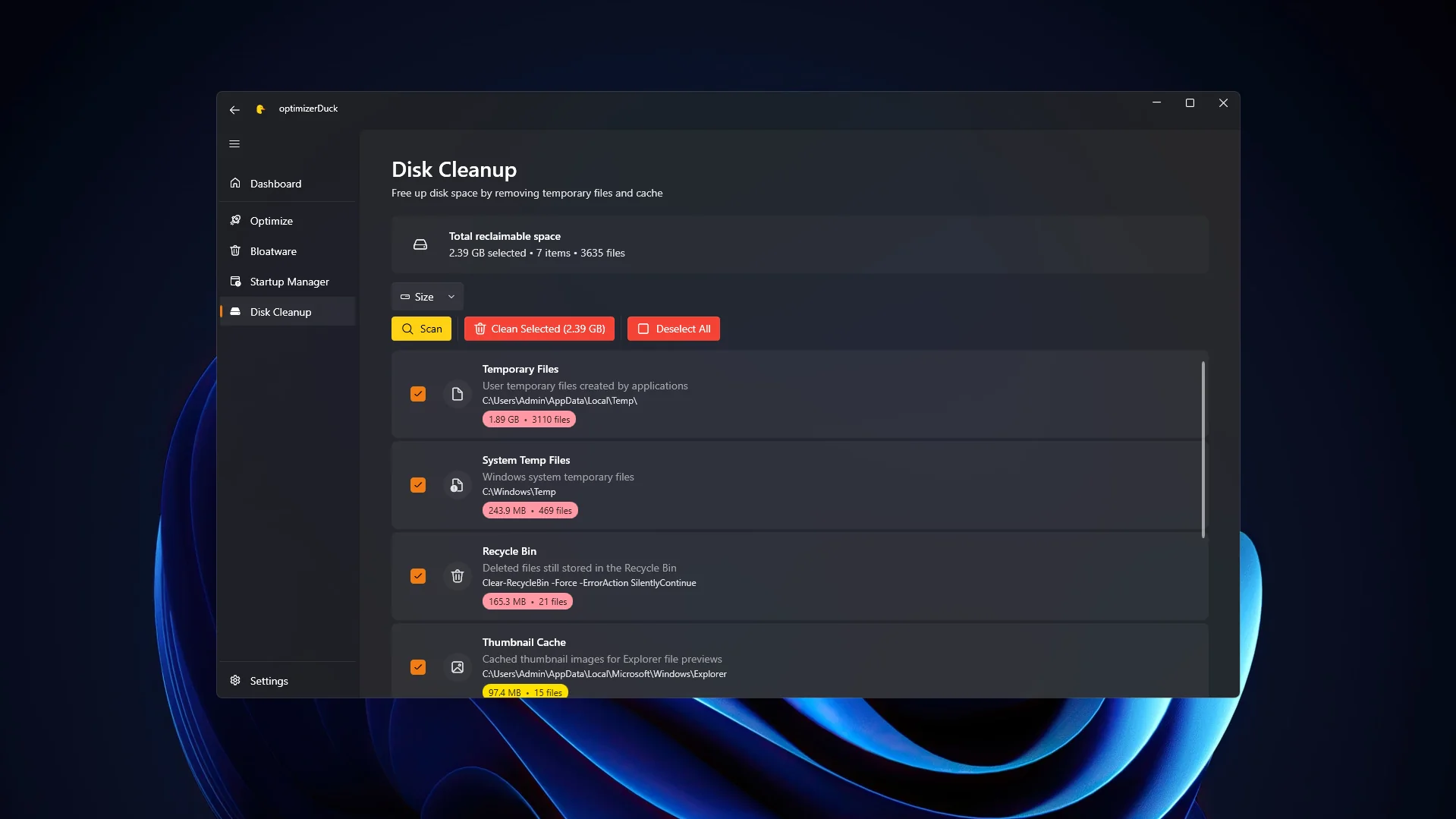
Select items to clean
In the Disk Cleanup tab, optimizerDuck groups junk files into categories. Instead of navigating complex system folders, you get a simple list where each category is clearly explained.
For each item, the interface shows what files are targeted, how much space you will save, and the exact file paths.
Items with no reclaimable space are disabled automatically, so you don't waste time on empty categories.
To select a category, check the box next to it. You can select multiple items at once. Use the Refresh button to re-scan space usage.
If you have just cleared some files and want to see updated space estimates for the remaining categories, click the Refresh button to re-scan without leaving the page.
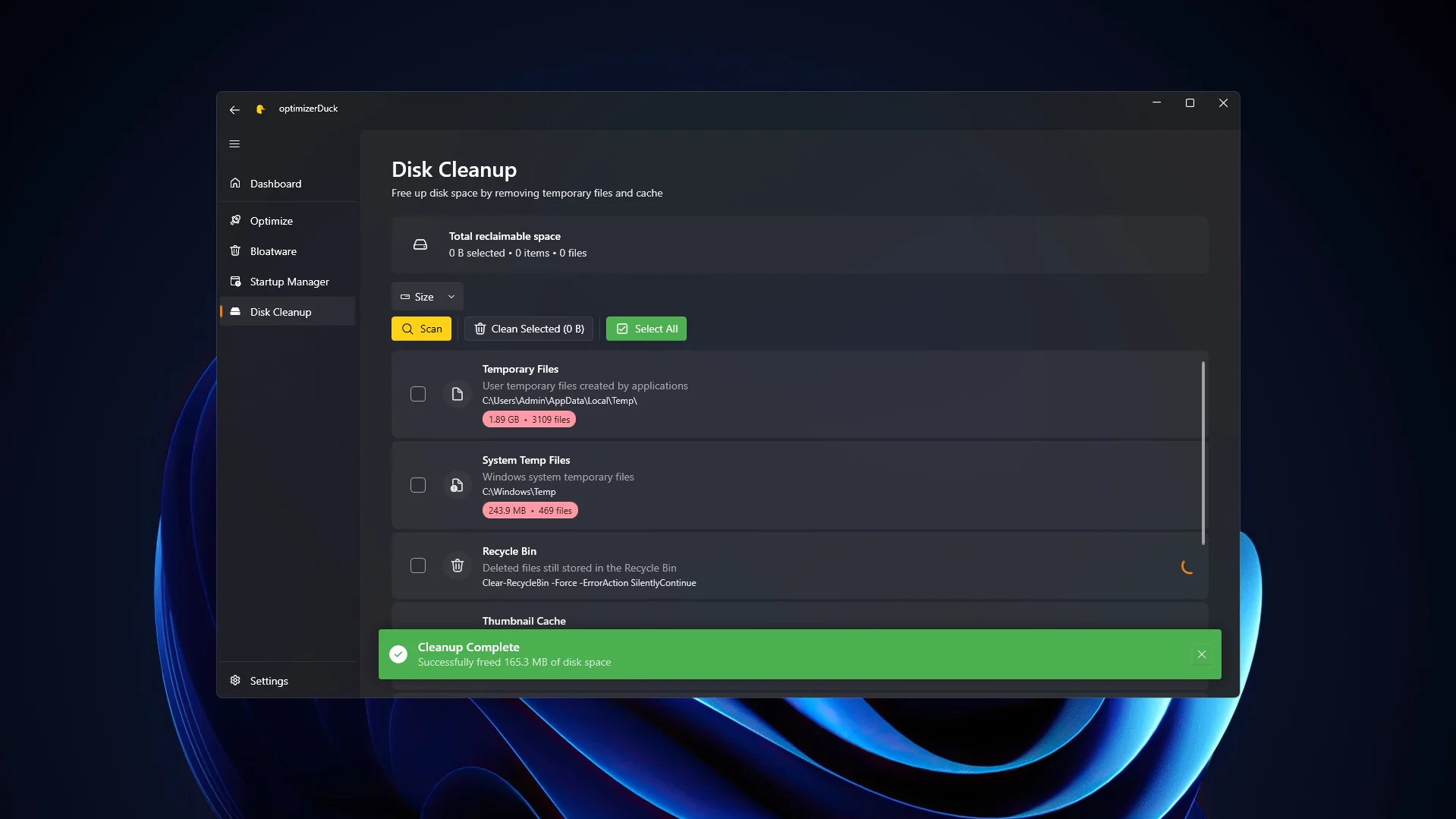
Disk Cleanup completed
After reviewing the list and selecting the categories you want to clean, click the Clean Selected button in the top menu bar.
optimizerDuck will safely delete these files from your drive. The time depends on how much data is being cleared and your drive speed. When finished, a notification will show how much space was freed up.